 ARES
ARES 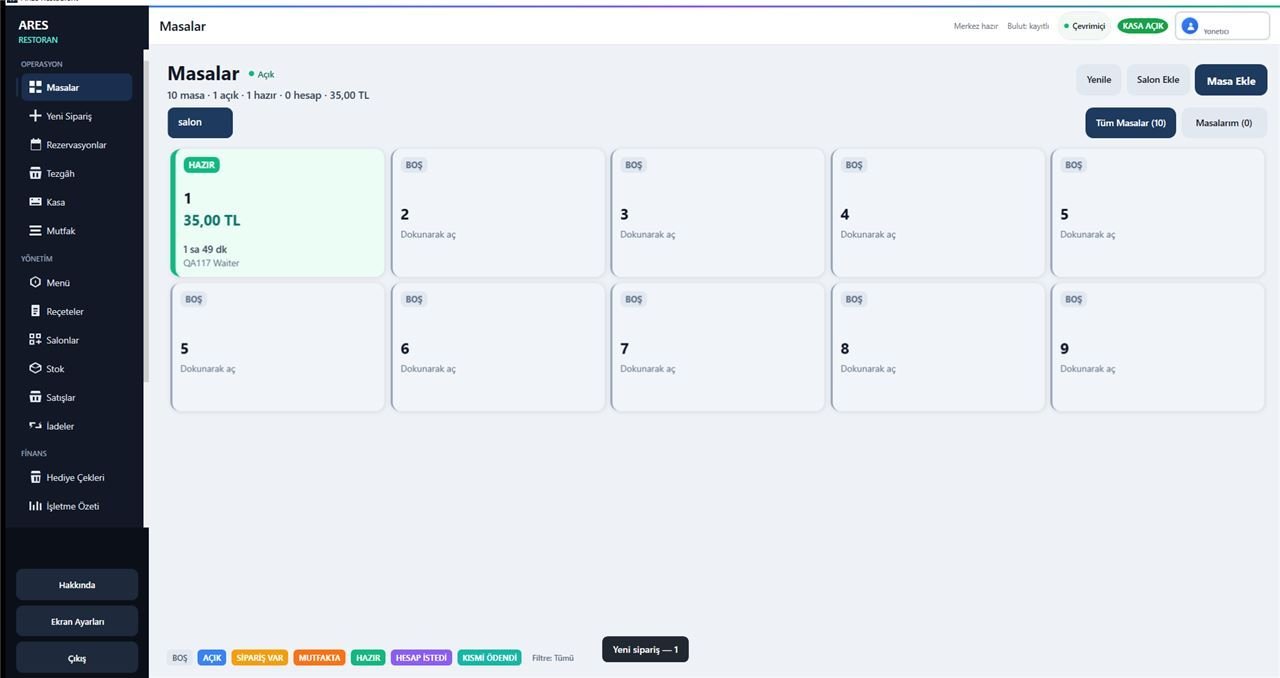
Scope
Restaurant operations in one ecosystem
ARES Restaurant brings floor, orders, waiter devices, kitchen, payments, and cost workflows together in the ARES ecosystem. This page describes product positioning; it is not a claim of a finalized commercial release.
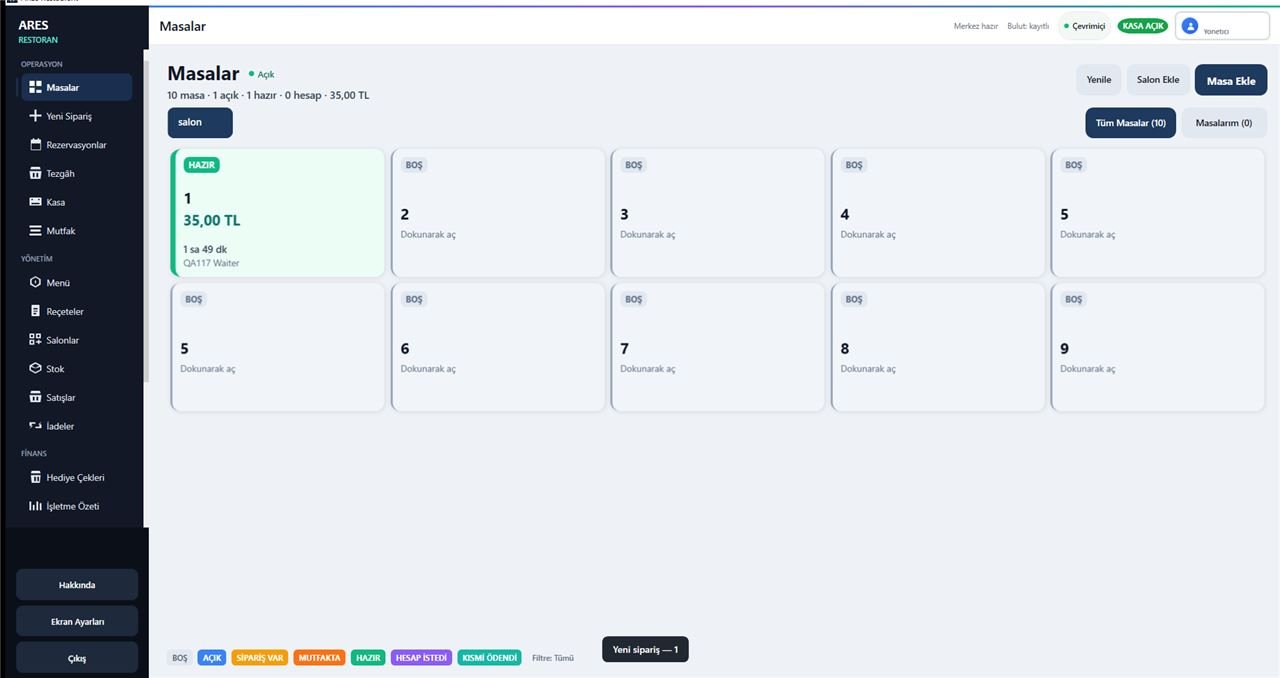
Tables
- Table management
- Floor layout
- Check tracking
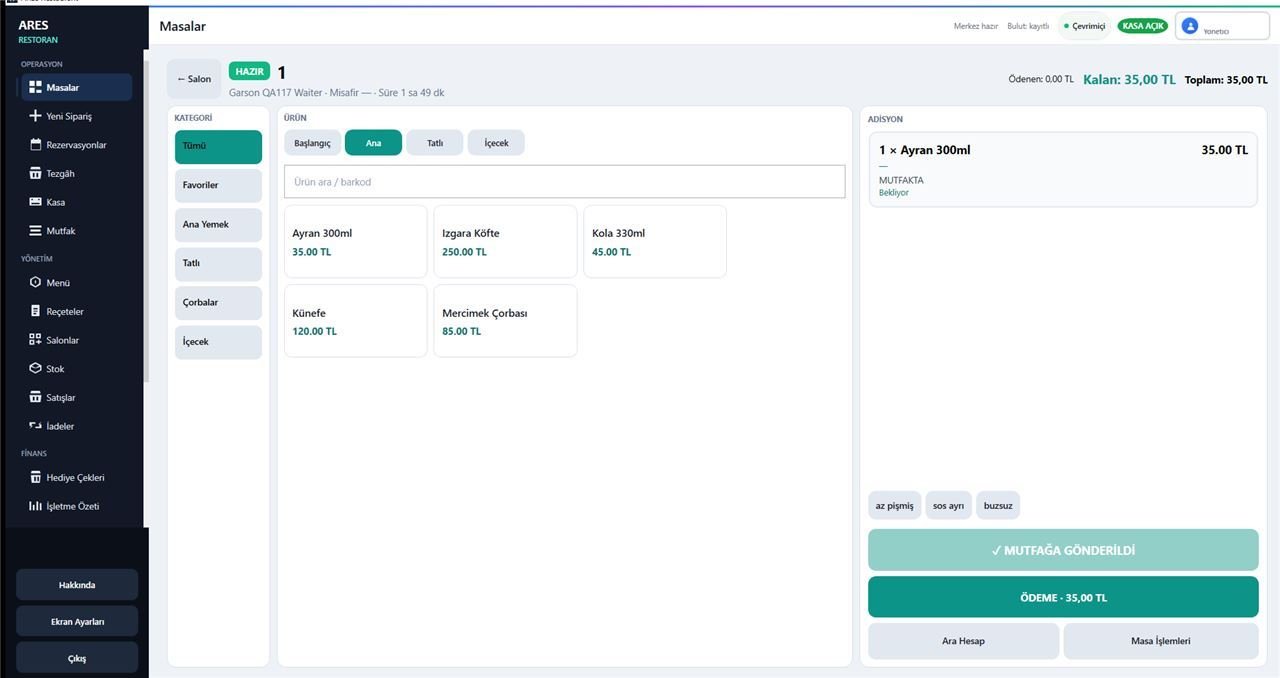
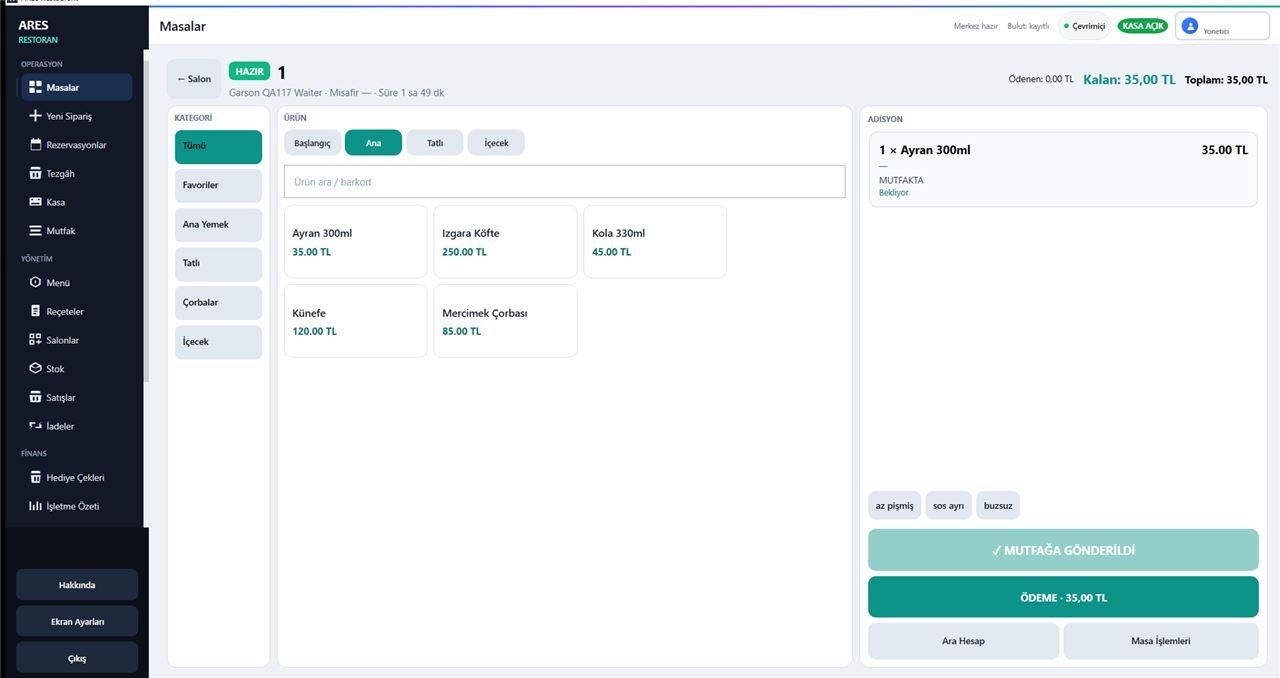
Orders
- Fast order entry
- Order status
- Table-based checks
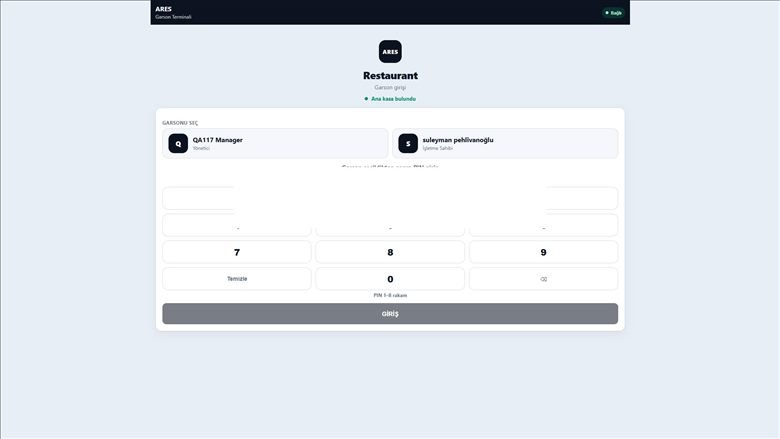
Waiter
- Phone / tablet use
- Floor ordering
- Service flow
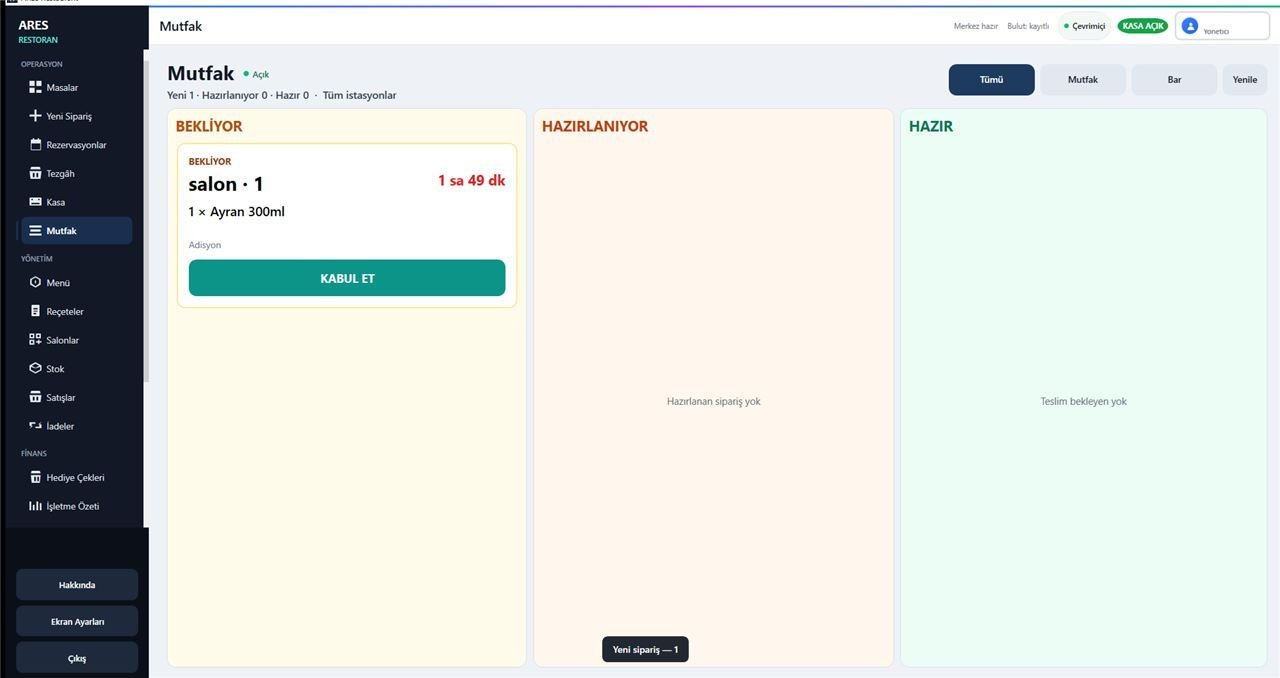
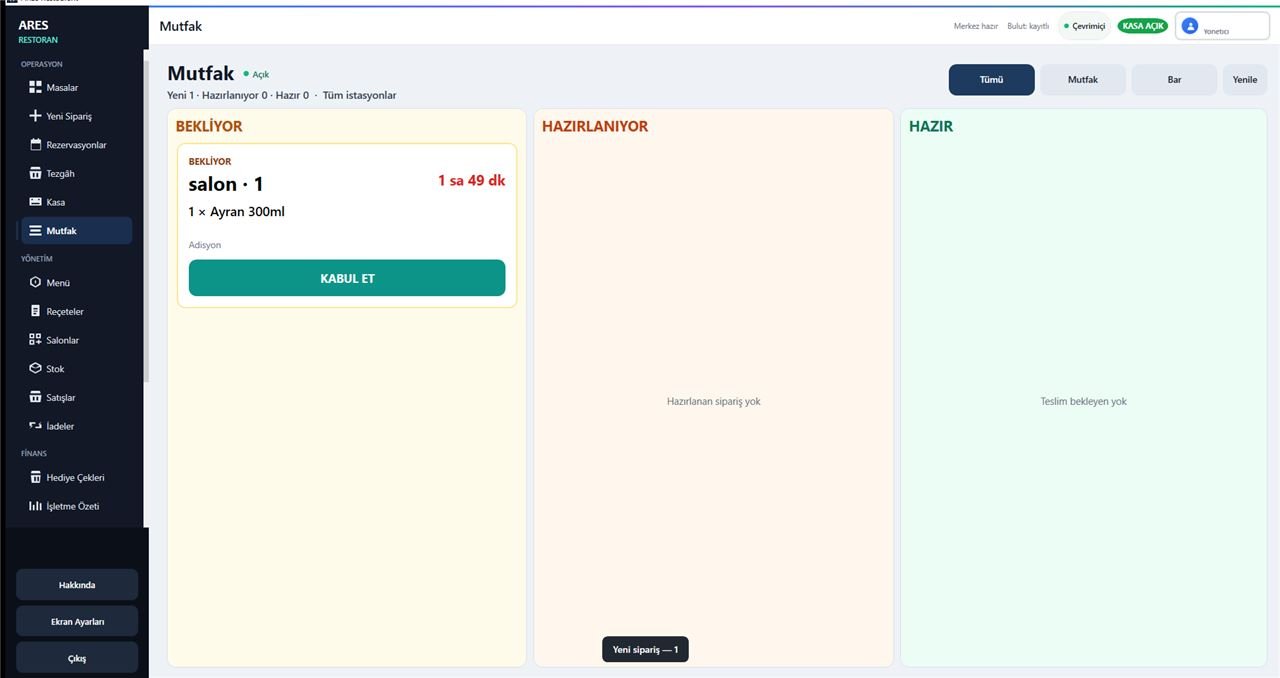
Kitchen
- Kitchen display
- Order status
- Preparation visibility
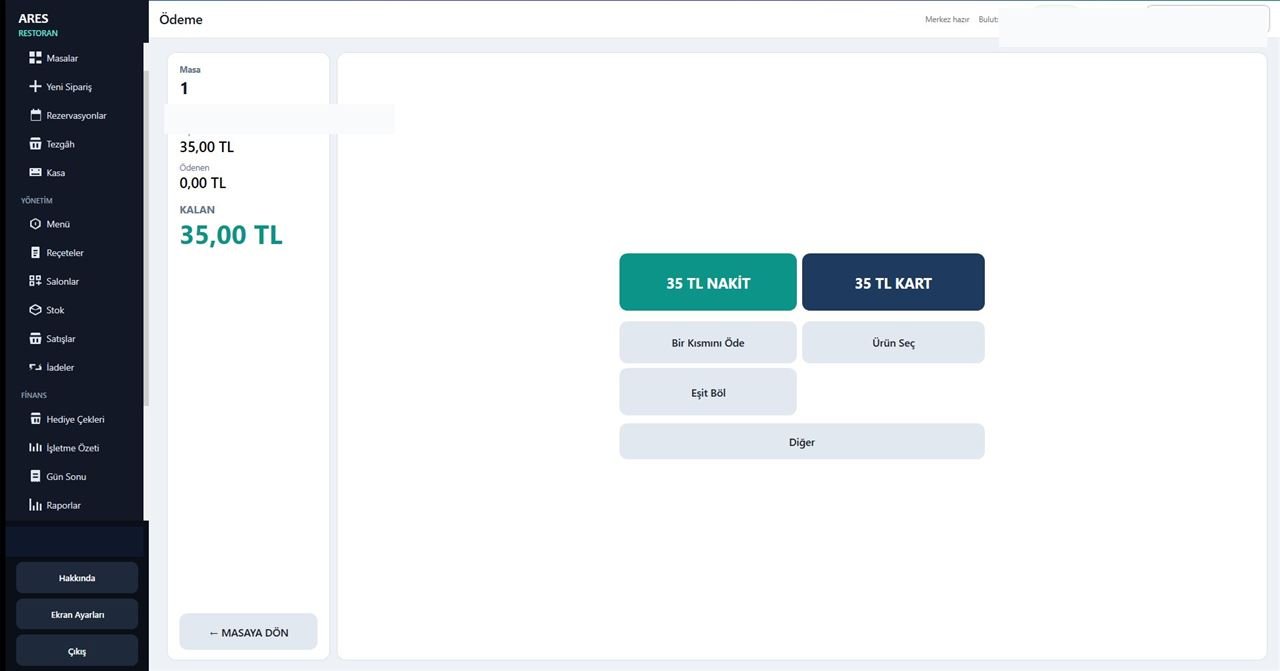
Payments
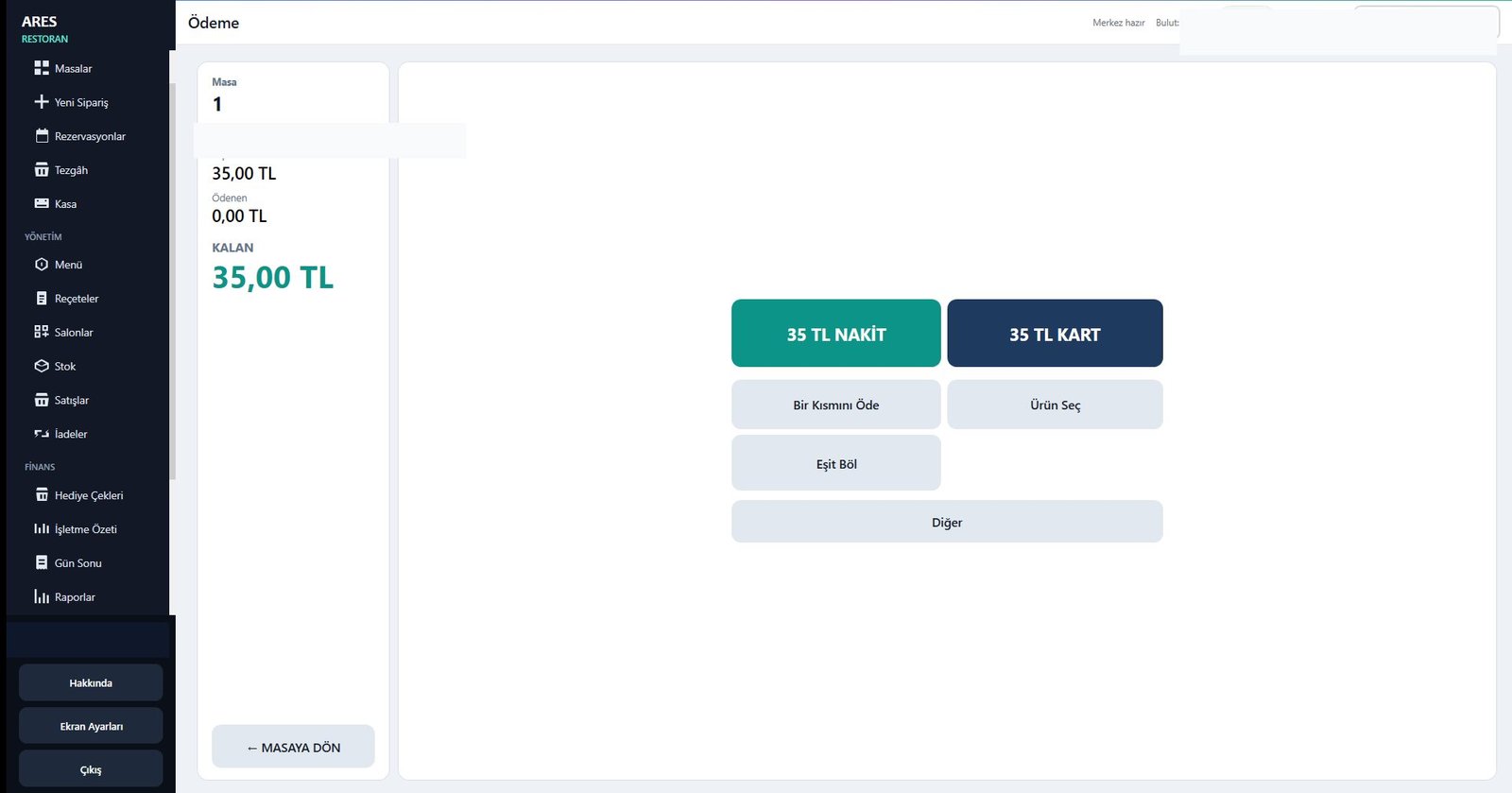
- Cash / card
- Partial payment
- Split bill
- Foreign currency support
Stock / Recipes / Cost
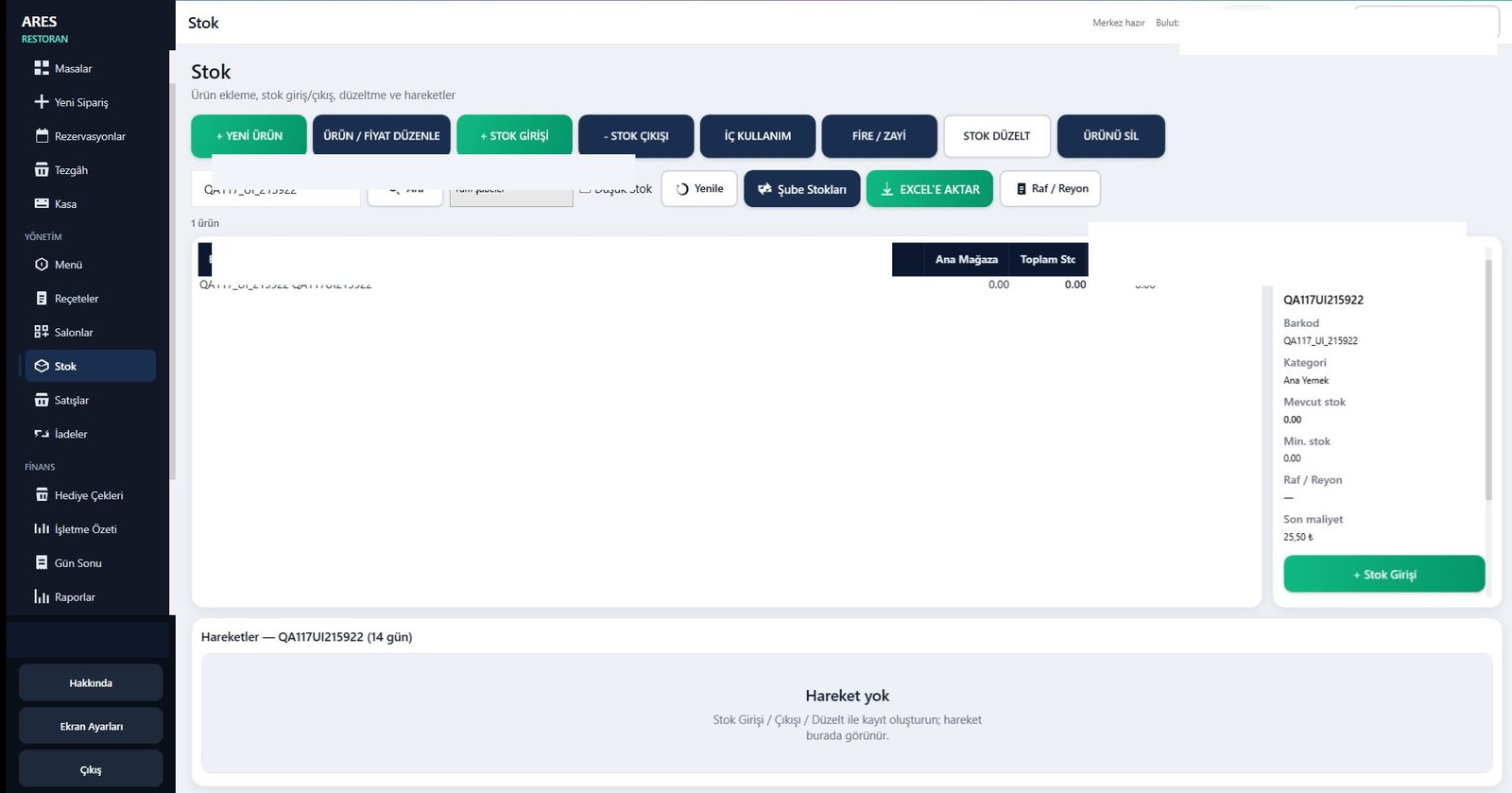
- Stock link
- Recipe management
- Cost view
Reporting
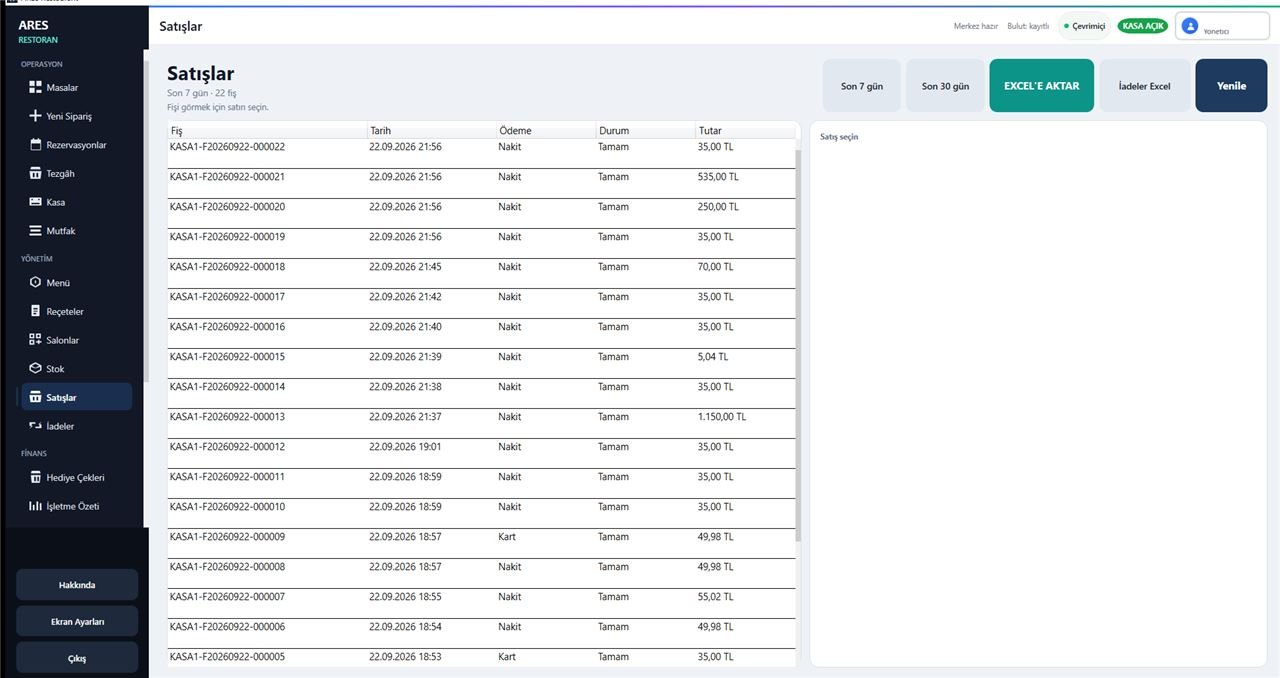
- Sales summaries
- Operation reports
- Daily tracking
Backup
- Local backup approach
- Business data protection
- Aligned with ARES ecosystem
Screenshots
Restaurant screens
Selected screens from ARES Restaurant 2.0.0.117.
Let's talk about your restaurant setup
We will clarify ARES Restaurant scope for your floor plan together.