 ARES
ARES 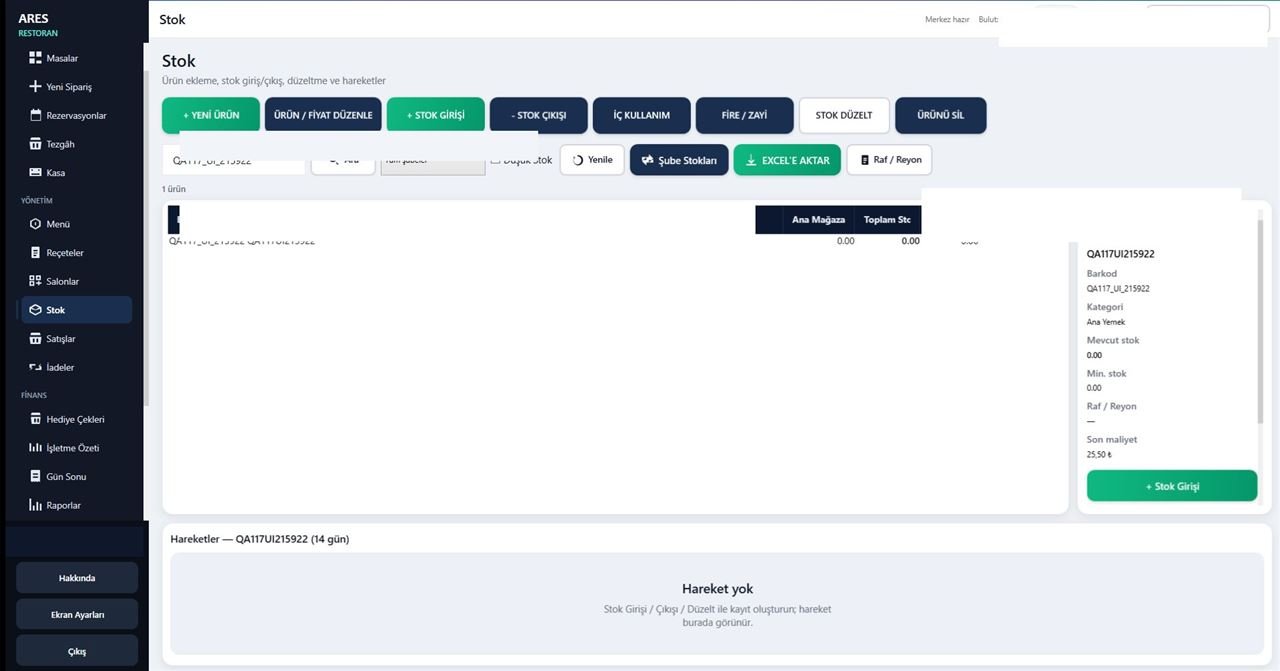
From market to shop
Fits Your Business
ARES POS is built for retail businesses that need fast sales, stock control, and day-to-day management.
Sales flow
A clear path at the register
Simple operation from barcode to reports.
- Scan barcode
- Add item
- Take payment
- Update stock
- See in reports
Product showcase
From Register to Stockroom
Work from the sales screen through stock movements in one system.
Touch POS
Designed for Touch Use
- Large action buttons
- Quick product selection
- Barcode scanner support
- Physical keyboard + touch
- Fast payment
- Simple flow for busy registers
Inventory
See What Is in Stock Instantly
Manage products, movements, and counts in one place.
New product
Edit product / price
Stock in
Stock out
Stock adjustment
Count
Minimum stock
Inventory movements
Barcode
Shelf / aisle
Shelf label
Do Not Prepare Labels One by One
- Multi-product selection
- Copy count
- A4 printing
- Start cell
- Barcode width
- Windows printer support
Shelf label screenshot will be updated when the retail session is completed.
Reporting
Do Not Guess — See It
Track daily operations with real product reports.
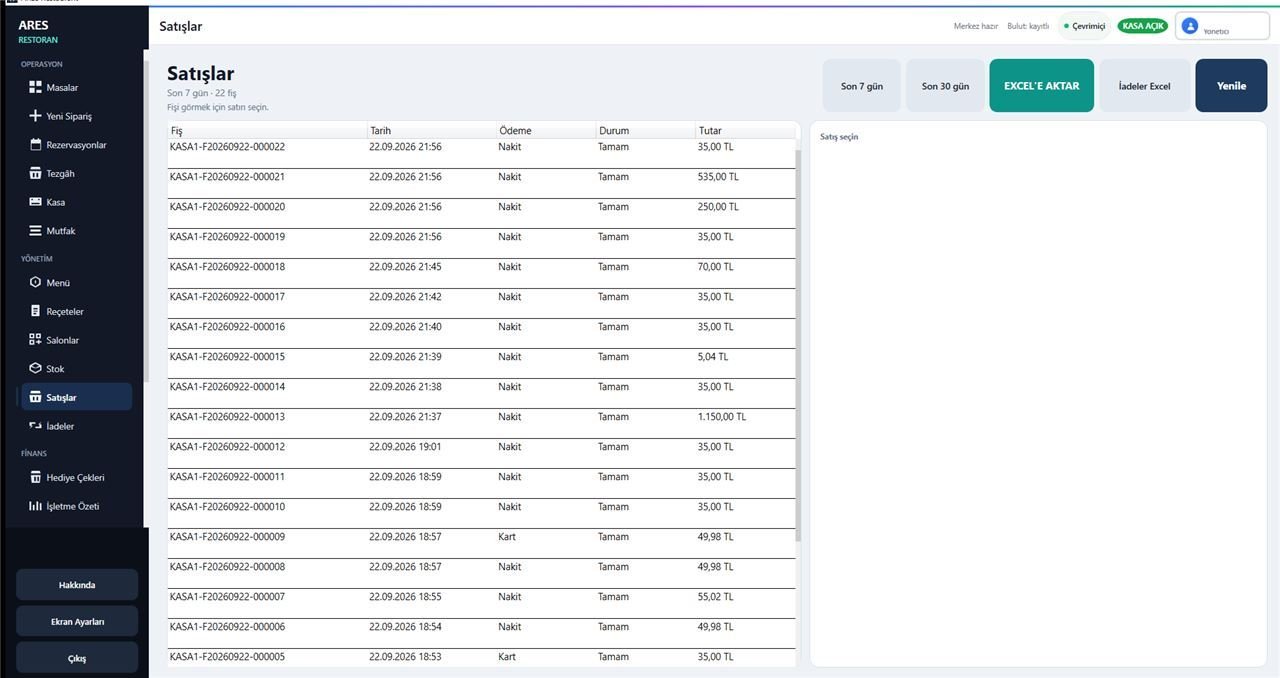
Sales
Inventory movements
Low stock
End of day
Business summary
Backup
Your Business Data Is Not Trapped on One PC
Local-first operation plus controlled backup.
Local backup
Store business data locally with a backup path.
Online backup
Recovery option through controlled cloud backup.
Restore
Continuity through restore from backup.
Business / device isolation
Separation by business and device.
Controlled updates
Update infrastructure with a controlled release model.
Hardware
Works With Real POS Hardware
Use with barcode scanners, receipt printers, touch screens, and supported scales.
Product story
Bring Scattered Tasks Into One System
Old way
Notebook
Excel
Separate stock list
Manual labels
Local files
ARES POS
Sales
Inventory
Shelf Labels
Reports
Backup
Summary
What can you do with ARES POS?
A practical feature set based on real capabilities.
Sales
- Barcode sales
- Touch use
- Cash / card payment
- Sales history
- Returns
Inventory
- Product management
- Stock in / out
- Minimum stock
- Inventory movements
- Count
- Shelf / aisle
- Shelf label
Management
- Reporting
- End of day
- Local / online backup
- Users / permissions
- Controlled updates
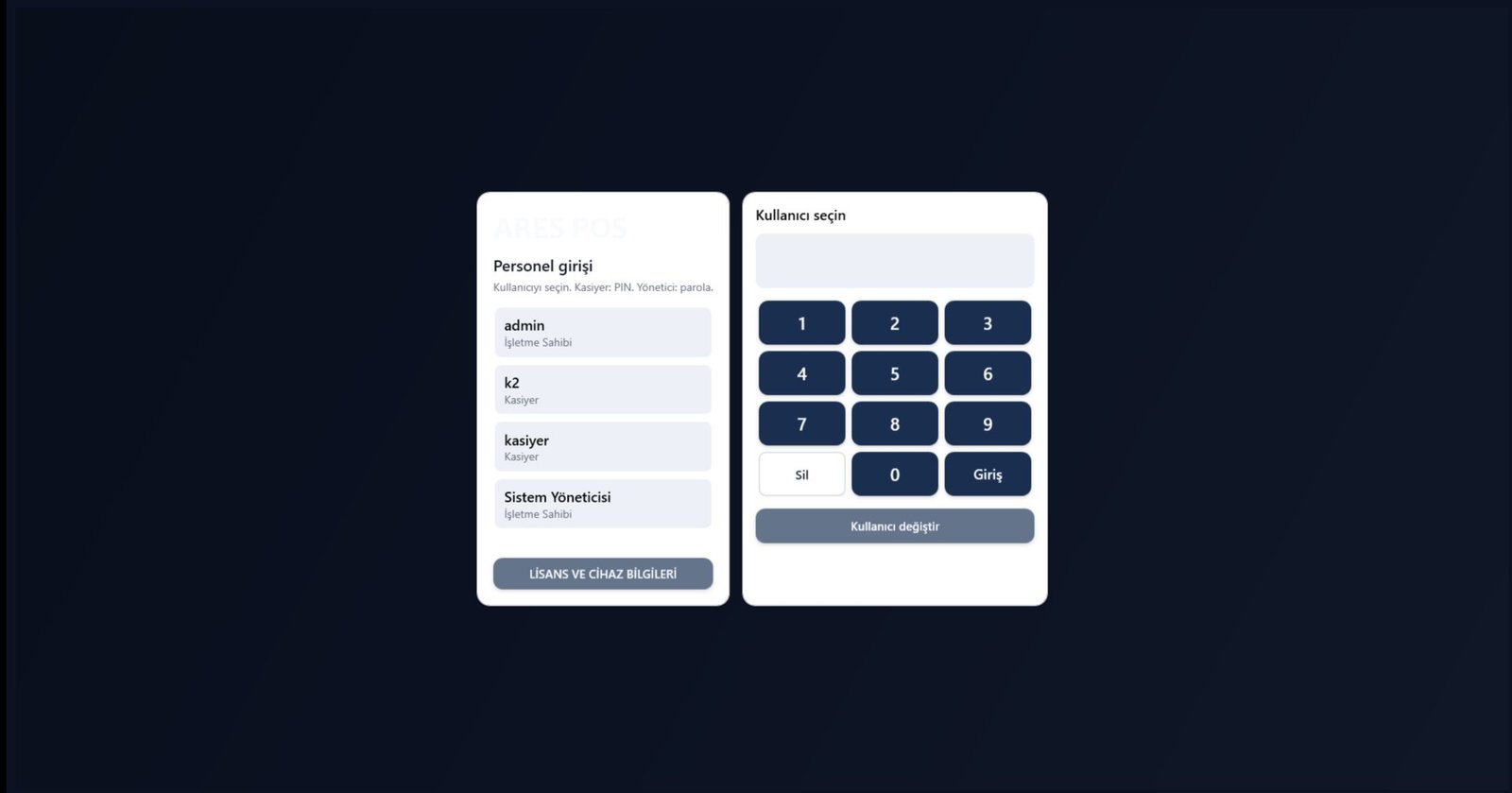
Screenshots
See ARES POS Up Close
Selected real ARES UI screens. No customer-specific data is shown.
Next step
Want to See ARES POS in Your Business?
Let's plan your market or shop setup together.